Nano Banana 2 vs ChatGPT Images 2.0: Which AI Image Generator Should You Use?
Nano Banana 2 and ChatGPT Images 2.0 are not the same kind of image tool. One is built for speed and Gemini-native editing; the other leans into polished, structured visual generation.
ShopiKeys Editorial Team
Published May 7, 2026
Quick answer
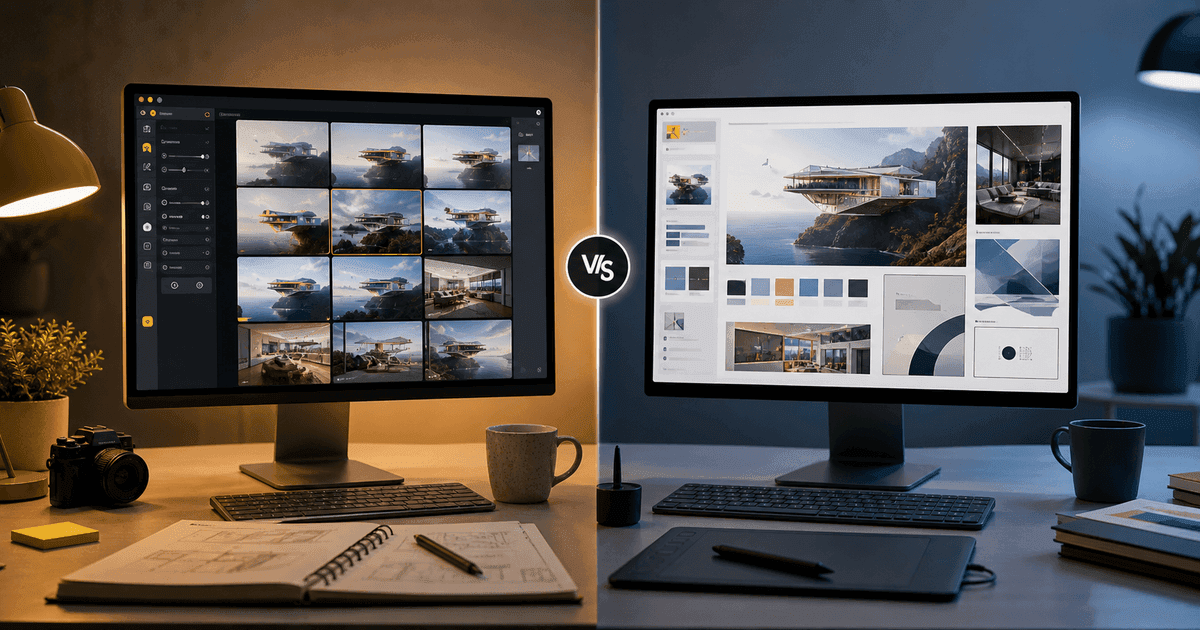
Choose Nano Banana 2 if you want fast, conversational image creation and editing inside Google's Gemini ecosystem, especially for rapid iteration and multimodal workflows. Choose ChatGPT Images 2.0, powered by GPT Image 2, if you want polished image generation and editing inside ChatGPT, stronger structured visual outputs, improved text rendering, and workflows that combine uploaded files, reasoning, and multiple consistent images. The best choice depends on whether you care more about speed, ecosystem, typography, image editing, or production-ready creative control.
First, a naming clarification
Many users search for “Image Gen 2,” but the current OpenAI naming is closer to ChatGPT Images 2.0 in the ChatGPT product and GPT Image 2 in the API. Google uses the “Nano Banana” nickname for its Gemini image model family, with Nano Banana 2 referring to its newer image generation and editing model in the Gemini ecosystem.
So the real comparison is:
- Google Nano Banana 2;
- ChatGPT Images 2.0;
- OpenAI GPT Image 2 for developers.
What Nano Banana 2 is best at
Nano Banana 2 is designed for fast image generation and editing inside Gemini. It builds on Google's Nano Banana image model line, which became popular because it made image editing feel conversational: upload an image, describe the change, refine, repeat.
Nano Banana-style workflows are strong for:
- quick social visuals;
- photo edits;
- product mockup variations;
- character or object consistency;
- rapid creative exploration;
- image fusion;
- educational visuals grounded in Gemini's world knowledge;
- users already paying for Google AI plans.
The keyword is speed. When you want to try ten directions quickly, Nano Banana 2 is appealing.
What ChatGPT Images 2.0 and GPT Image 2 are best at
ChatGPT Images 2.0 is OpenAI's updated image experience in ChatGPT, powered by GPT Image 2. The model is positioned for high-quality image generation and editing, flexible image sizes, high-fidelity image inputs, improved instruction following, better text generation in images, and more structured visual reasoning.
It is especially useful for:
- infographics;
- marketing assets;
- editorial visuals;
- product layouts;
- slide-style graphics;
- multi-image series;
- visual explainers from uploaded files;
- image generation with stronger planning.
The keyword is control. When the asset needs to look closer to publication-ready, ChatGPT Images 2.0 deserves attention.
Side-by-side comparison
| Category | Nano Banana 2 | ChatGPT Images 2.0 / GPT Image 2 |
|---|---|---|
| Ecosystem | Google Gemini, Search, Flow, AI Studio | ChatGPT, OpenAI API, Codex access context |
| Best use | Fast iteration and conversational editing | Polished structured visuals and creative control |
| Speed | Strong fit for high-velocity workflows | Usually more deliberate, especially with reasoning |
| Image editing | Strong conversational edits | Strong editing with high-fidelity inputs |
| Text in images | Improving, useful for many cases | Strong focus on improved text rendering |
| Research-aware visuals | Strong through Gemini ecosystem | Strong when ChatGPT thinking/search is available |
| Developer access | Gemini API and AI Studio | OpenAI API with GPT Image 2 |
| Best buyer | Gemini/Google AI users, creators, rapid editors | ChatGPT users, marketers, educators, designers, developers |
Use Nano Banana 2 when speed matters
A social media manager does not always need a museum-grade image. Sometimes they need five variations before lunch.
Nano Banana 2 is a strong fit for prompts like:
Create three variations of this product photo for a summer sale. Keep the product unchanged, change the background, add warm outdoor lighting, and leave clean space for a headline.Or:
Turn this room photo into three interior design concepts: Scandinavian, warm minimal, and boutique hotel. Keep the room layout the same.The workflow is conversational: create, adjust, repeat.
Use ChatGPT Images 2.0 when structure matters
If you need an infographic, brochure, educational poster, ad concept, or multi-panel visual story, structure becomes more important than speed.
Try:
Create a clean infographic explaining how AI agents save time in software development. Include four stages: plan, inspect, edit, test. Use a professional editorial style, readable headings, simple icons, and a clear visual hierarchy.Or:
Create a three-image campaign for a Microsoft 365 productivity guide. Keep the same visual style, realistic workspace photography, and consistent color palette across all images.ChatGPT Images 2.0 is especially useful when you need the image to communicate information, not just look attractive.
Prompting tips that work for both tools
Start with purpose
Create a hero image for a blog post...is better than:
Create an image...Purpose guides composition.
Define the format
Mention whether you need:
- square social post;
- blog hero image;
- LinkedIn banner;
- YouTube thumbnail;
- product mockup;
- slide graphic;
- infographic;
- mobile story.
Add negative constraints
Tell the model what to avoid:
- no distorted hands;
- no fake logos;
- no unreadable text;
- no cyberpunk aesthetic;
- no extra people;
- no cluttered background.
Iterate in small steps
Do not rewrite the whole prompt every time. Say:
Keep everything else the same, but make the lighting softer and remove the text from the background.Which one is better for ecommerce?
For ecommerce visuals, use the tool based on the task.
Use Nano Banana 2 for:
- fast product background changes;
- lifestyle variations;
- seasonal versions;
- quick ad testing;
- catalog mockups.
Use ChatGPT Images 2.0 for:
- polished product explainers;
- comparison graphics;
- educational visuals;
- landing page hero images;
- brand-consistent campaign concepts;
- image sets with consistent characters or layouts.
A smart ecommerce team may use both: Nano Banana 2 for exploration, ChatGPT Images 2.0 for final creative direction.
Which one is better for blog SEO?
For SEO articles, the winning image is the one that helps the reader understand the topic.
For a guide like “What is an LLM?”, ChatGPT Images 2.0 may be better for structured diagrams.
For a guide like “How to create AI product photos,” Nano Banana 2 may be better for before-and-after examples.
Do not generate decorative images only. AI search and human readers both reward clarity.
Practical recommendation
Choose Nano Banana 2 if you are already in the Google ecosystem, need fast edits, or produce many visual variations.
Choose ChatGPT Images 2.0 or GPT Image 2 if you want a more structured creative partner inside ChatGPT or need strong visual layouts, explainers, multilingual text rendering, and developer API workflows through OpenAI.
The honest answer is that neither wins every time. The winner is the one that matches the asset you need today.
FAQ
Is Nano Banana 2 free?
Access depends on Google's current Gemini and Google AI plan rules, region, and usage limits. Check the current Google AI plan page before publishing pricing details.
Is ChatGPT Images 2.0 the same as GPT Image 2?
ChatGPT Images 2.0 is the product experience inside ChatGPT. GPT Image 2 is the OpenAI image generation model available through the API.
Which tool is better for text inside images?
ChatGPT Images 2.0 and GPT Image 2 place strong emphasis on improved text rendering. Nano Banana 2 is also improving, but the better choice depends on the language, layout, and exact prompt.
Which one is faster?
Nano Banana 2 is positioned around fast generation and editing workflows. ChatGPT Images 2.0 may be more deliberate when using thinking or reasoning features.
Which is better for professional marketing assets?
For polished structured assets, ChatGPT Images 2.0 is often the safer first test. For rapid variations and photo editing, Nano Banana 2 is highly competitive.