How to Use Claude Design: From Idea to Prototype
Claude Design is built for the messy moment between an idea and a finished asset. This guide shows how to turn prompts into usable design work instead of pretty but empty mockups.
ShopiKeys Editorial Team
Published May 7, 2026
Quick answer
Claude Design is an Anthropic Labs design tool for creating visual drafts such as websites, slide decks, prototypes, and design concepts from natural language. It is designed to help users move from idea to editable visual output, and when a design is ready to build, Claude can package it into a handoff bundle that can be passed to Claude Code. Availability and integrations may vary because the product is still part of Anthropic's fast-moving AI design ecosystem.
The design problem Claude Design is trying to solve
Most people do not struggle because they have no ideas. They struggle because the first version is hard.
A founder can describe the landing page they want, but opening a blank design file feels heavy. A marketer can imagine the slide deck, but not the layout. A developer can build the app, but the interface begins as a gray rectangle with buttons. Claude Design sits in that gap.
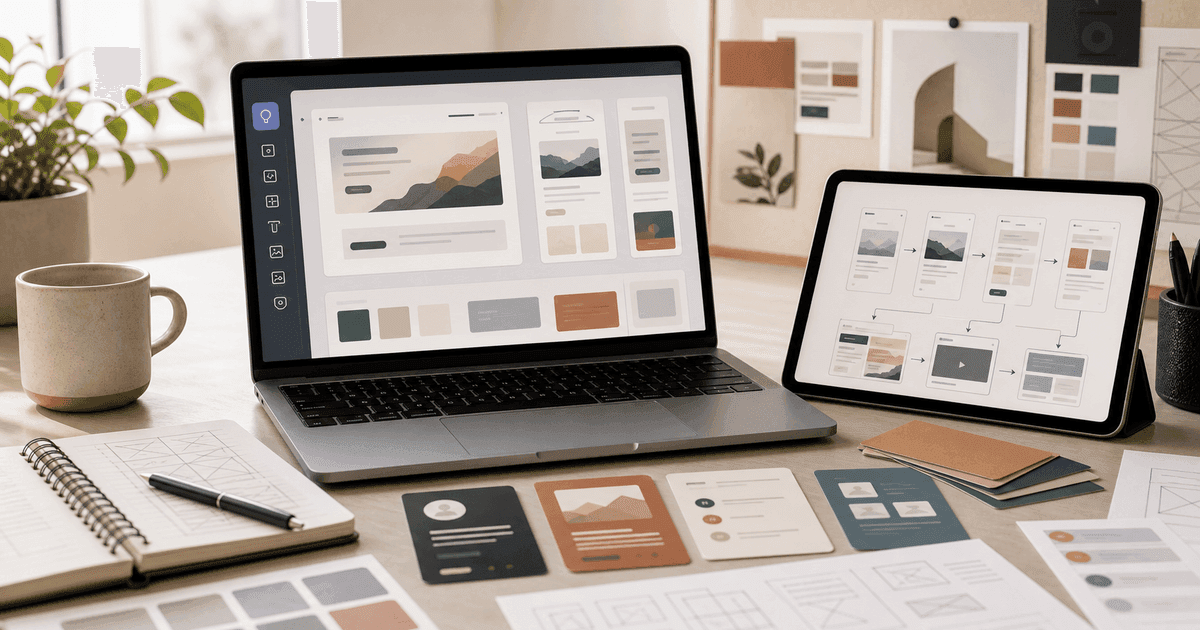
It turns plain-language direction into visual structure: sections, hierarchy, colors, typography, components, slide flow, product mockups, and prototype logic. The goal is not to replace a great designer. The goal is to make the first useful draft appear faster so humans can refine it.
What can Claude Design create?
Use Claude Design for work that needs both structure and visual judgment:
- landing page concepts;
- homepage wireframes;
- ecommerce product pages;
- slide decks;
- pitch deck outlines;
- app prototypes;
- dashboard layouts;
- onboarding flows;
- brand direction boards;
- visual content drafts;
- design handoff notes.
The best use cases are not “make something beautiful.” The best use cases are “turn this product idea into a clear visual direction that a team can discuss.”
Start with a design brief, not a vague prompt
A weak prompt asks Claude Design to guess.
Make me a website for an AI tool.A strong prompt gives it the same information you would give a human designer.
Create a landing page concept for a browser-based AI research tool for small business owners. Audience: non-technical founders. Goal: get visitors to start a free trial. Tone: trustworthy, practical, not futuristic. Sections: hero, problem, workflow, use cases, comparison, testimonials, pricing CTA. Visual style: clean editorial SaaS, generous whitespace, warm neutral background, sharp screenshots, no cyberpunk aesthetic.This prompt works because it includes audience, goal, tone, structure, and visual constraints.
A practical Claude Design workflow
Step 1: Define the reader or user
Before asking for design, describe who the design is for.
Good audience statements:
- “freelance designers who hate admin work”;
- “parents comparing productivity software for a student laptop”;
- “small ecommerce teams choosing AI coding tools”;
- “developers evaluating a new IDE.”
Design becomes sharper when the user is specific.
Step 2: Ask for three directions
Do not ask for one design immediately. Ask for options.
Give me three distinct visual directions for this landing page: conservative B2B, bold editorial, and minimalist product-led. For each, explain the layout, color mood, typography feel, strengths, and risks.This creates a useful conversation. You can choose the direction before Claude spends energy on the full design.
Step 3: Generate the first draft
Once you pick a direction, ask for the asset.
Use the bold editorial direction. Create the full landing page draft with section-by-section layout, suggested copy, visual notes, and component hierarchy. Keep the page realistic for a small team to build.Step 4: Critique before polishing
Pretty drafts can hide weak strategy. Ask Claude to critique itself.
Review this design like a skeptical conversion strategist. What is unclear? What feels generic? Which section would a visitor ignore? What should be removed?Step 5: Prepare the handoff
When the design is strong, ask for a handoff package.
Prepare a developer handoff for Claude Code. Include component list, layout structure, responsive behavior, copy, assets needed, accessibility notes, and implementation assumptions.This is where Claude Design becomes more than a visual toy. It can help bridge design and implementation.
How Claude Artifacts fit into the workflow
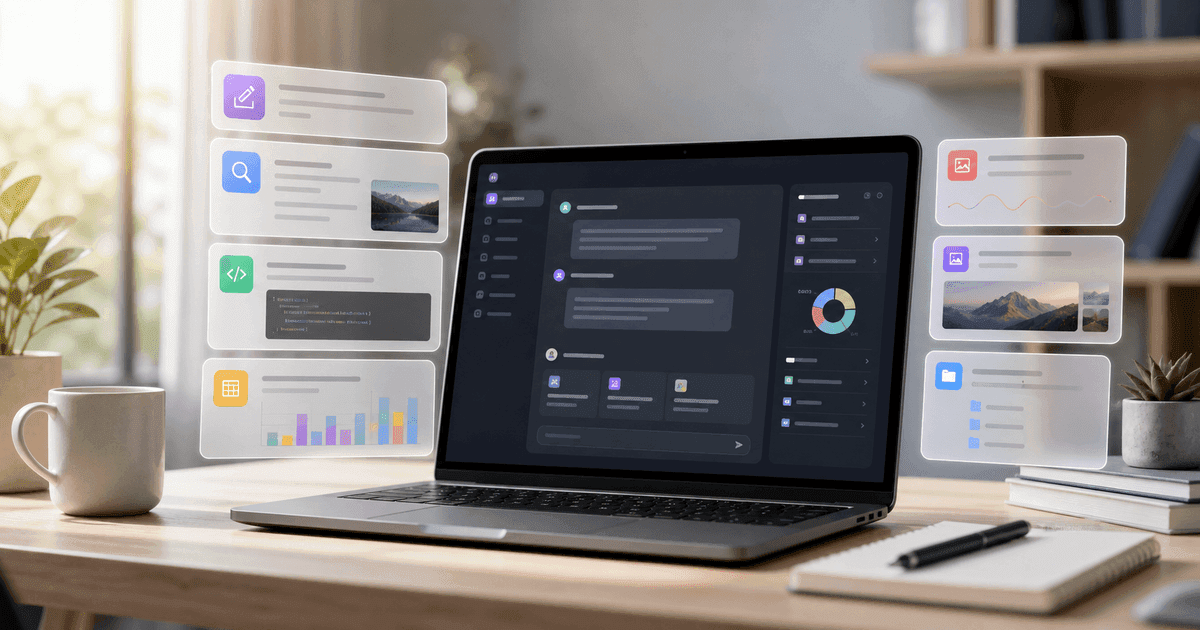
Claude's Artifacts feature gives users a dedicated space to view, create, customize, and organize generated outputs. For design work, artifacts are useful because visual or structured results should not be buried inside a chat transcript.
Use artifacts for:
- HTML prototypes;
- interactive mockups;
- SVG concepts;
- slide outlines;
- design systems;
- component specs;
- brand boards;
- copy blocks.
A clean artifact collection becomes your project shelf. Instead of searching through conversations, you can return to the actual object.
Prompt examples for Claude Design
Landing page
Design a landing page for a Microsoft 365 guide site. Audience: people buying software for home office and small business. Goal: explain the value of Microsoft 365 without sounding like a corporate brochure. Include hero, benefits, app breakdown, comparison, FAQ, and CTA.Slide deck
Create a 10-slide pitch deck for an AI productivity newsletter. Include slide titles, layout direction, speaker notes, and a consistent visual style. The deck should feel intelligent, calm, and investor-ready.App prototype
Create a dashboard prototype for tracking AI tool subscriptions. Include navigation, cards, filters, usage charts, renewal alerts, and a mobile layout. Prioritize clarity over visual complexity.Ecommerce product page
Design a product page for a digital software key marketplace. The page must feel secure and simple. Include trust badges, delivery explanation, compatibility notes, FAQ, and a clean checkout path.How to get better design output
Be specific about what you dislike. “Make it modern” means almost nothing. Try:
- “Avoid neon gradients.”
- “Do not use generic robot imagery.”
- “Make the typography feel like a serious tech magazine, not a crypto landing page.”
- “Use fewer sections and stronger hierarchy.”
- “Prefer realistic UI screenshots over abstract illustrations.”
Taste is easier to model when you describe boundaries.
Where Claude Design is not enough
Claude Design can accelerate concepting, but it does not remove the need for brand strategy, accessibility review, user testing, legal checks, or final production design. If you are creating a mission-critical checkout flow, a medical interface, a financial dashboard, or a public brand identity, have a qualified human review it.
Also remember that availability may change. New AI design products often roll out by plan, region, or waitlist.
FAQ
What is Claude Design?
Claude Design is an Anthropic Labs tool for generating and refining visual design outputs such as websites, slide decks, prototypes, and handoff materials from natural language prompts.
Can Claude Design replace Figma?
Not for every team. It can help create concepts and prototypes quickly, but professional design teams may still use Figma, Canva, Adobe tools, or other design systems for final production.
Can Claude Design hand work to Claude Code?
Yes. Anthropic has described a handoff workflow where Claude packages a design into a bundle that can be passed to Claude Code with a single instruction.
Is Claude Design good for non-designers?
Yes, especially for first drafts, pitch decks, landing page concepts, and prototypes. Non-designers still need to provide clear goals and review the result carefully.
How do I write better Claude Design prompts?
Include audience, goal, sections, tone, visual style, constraints, examples to avoid, and the final format you want.